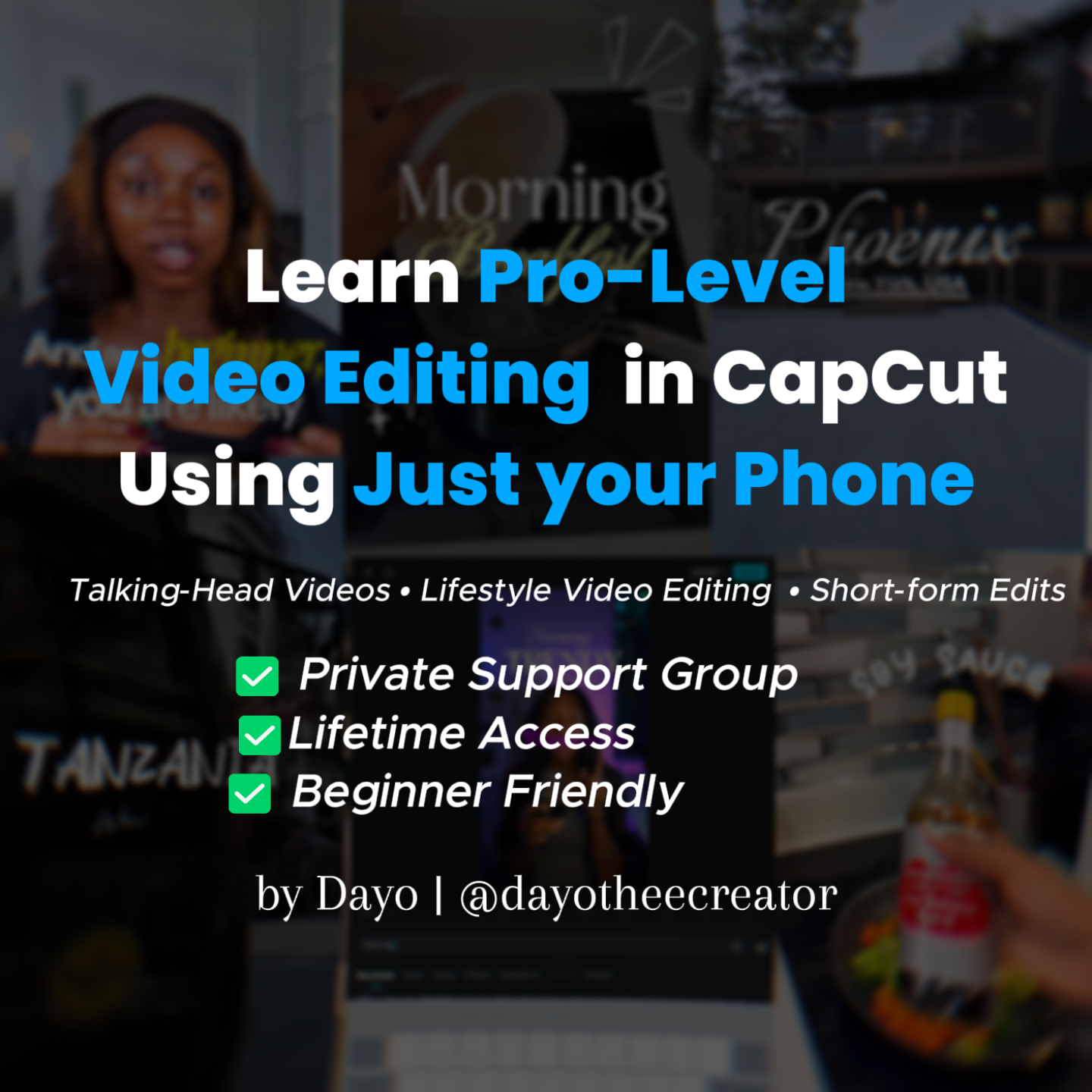
Capcut Mobile Video Editing Mastery TT
External Access

Capcut Mobile Video Editing Mastery TT
(0 Ratings)
1
$14.75$29.49

Learn Video Editing In CapCut Using Just Your Phone In 2026


You're Losing Attention. And You Know It.


You hit record, you pour your energy into your content… and then editing happens.


The cuts feel off. The audio sounds rough. The captions look basic. And when you watch other creators’ videos, you wonder — “How do they make it look so clean?”

Here’s the truth: It’s not talent. It’s technique.


And right now, you’re missing it.


That’s exactly what this course gives you.


So if you’re a…


📌 Small business owner who needs professional-quality edits using simple, easy-to-follow techniques


📌 Content creator tired of average edits and ready for videos that look cleaner and more engaging


📌 Complete beginner who wants a structured learning path and the guidance to edit with real confidence


📌 Video editor or freelancer who wants to level up and stop delivering basic work


Take a look at some of what you’ll get inside…


Introduction

📽️ Understanding the CapCut interface


📽️ Audio clean-up (how to remove background noise and enhance voice clarity)


📽️ Installing and using custom fonts


📽️ Keyframes
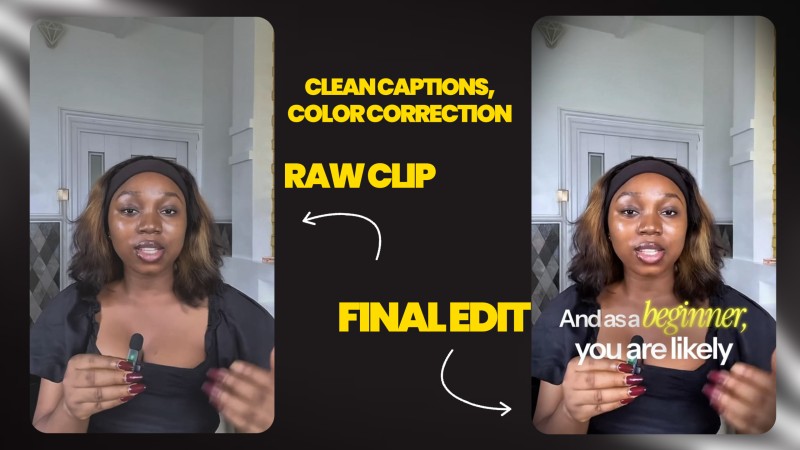


Editing Talking Head Videos (Simple Workflow)


Step-by-step editing workflow (Start → Finish)


📽️ Color correction / color grading


📽️ Using keyframes for zoom-ins and zoom-outs


📽️ Adding smooth transitions


📽️ Unlocking free CapCut transitions


📽️ Adding B-rolls, icons, and visual elements


📽️ Choosing the right background music


📽️ Adding captions (clean and engaging style)


Lifestyle Video Editing


📽️ Creating a vlog-style intro (rewind effect)


📽️ How to find non-copyrighted music


Bonus

📽️ Font combinations that look professional


📽️ Font switching effect


📽️ Text behind subject effect


📽️ Editing product review videos


Real Estate Video Editing


📽️ Real estate color grading


📽️ Sound design


📽️ Transitions


📽️ Text animations


📽️ Beat sync (match cuts to music)


And a lot more…


Each lesson is broken down step by step, so you can follow along confidently and apply what you’re learning as you edit — without jumping between random tutorials or guessing your way through the process.


✅CapCut interface walkthrough for complete beginners

✅Best camera settings to get the highest quality footage

✅Audio clean-up — make your mic sound professional even with a cheap mic

✅ How to properly use keyframes for smooth, cinematic animations

✅Color correction to make your videos look polished and high quality

✅Unlocking hidden features — transitions, effects, captions, and more

✅Sound design that makes your videos hit differently

✅Simple techniques to edit any talking head video faster

✅Common mistakes to avoid when editing your videos

✅Lifestyle and vlog video editing

✅How to combine fonts like a pro

✅How to find non-copyrighted music for your vlogs

✅How to edit clean product review videos


🎁Exclusive Bonuses - Included Free

📦 Premium Editing Assets Library Instant access to a massive collection of high-quality sound effects, transitions, templates and assets — so you spend less time searching and more time creating.


💬 Active Support & Private Community Get real guidance when you're stuck. Ask questions, get feedback, and grow alongside other editors. You won't be figuring this out alone.Customers


🔄 Free Future Updates As CapCut evolves and new editing trends emerge, new video lessons will be added — and you get them at no extra cost.


♾️ Lifetime Access Access every lesson, asset, and update anytime, from anywhere.


By the End of This Training…


📌 You'll learn how to edit quality videos that represent your brand professionally and capture viewer interest.


📌 You’ll be able to turn basic, raw footage into polished videos that look clean and intentional, using a simple step-by-step workflow.


Frequently Asked Questions


📱 What device do I need? The course has tutorials for both mobile & PC — so you can get started with what you have.


💰 Do I need CapCut Pro? No. You can get started using the free version of CapCut. The course is designed to work without requiring CapCut Pro.


🙋 What if I need help while learning? You'll have access to an active support group where you can ask questions, get feedback, and learn alongside other editors. You won't be stuck alone.


⏳ How long do I have access?You get LIFETIME ACCESS to all lessons, assets, and future updates — revisit anytime


📍Take the Step in Your Editing Journey


You could spend months trying to figure things out on your own — jumping between random tutorials, second-guessing your edits, and feeling unsure about your progress.


Or you can follow a structured learning path designed to help you build strong editing fundamentals, practice consistently, and gain confidence using CapCut.

See you inside...

Frequently bought together

© 2026 Dayo Odesola. All Rights Reserved.

Powered By